Choose a source
Start from structured work already in the system.
Create supported downstream records from information already in QA Assistant Studio MAX, then review and refine the result inside the controlled workflow.
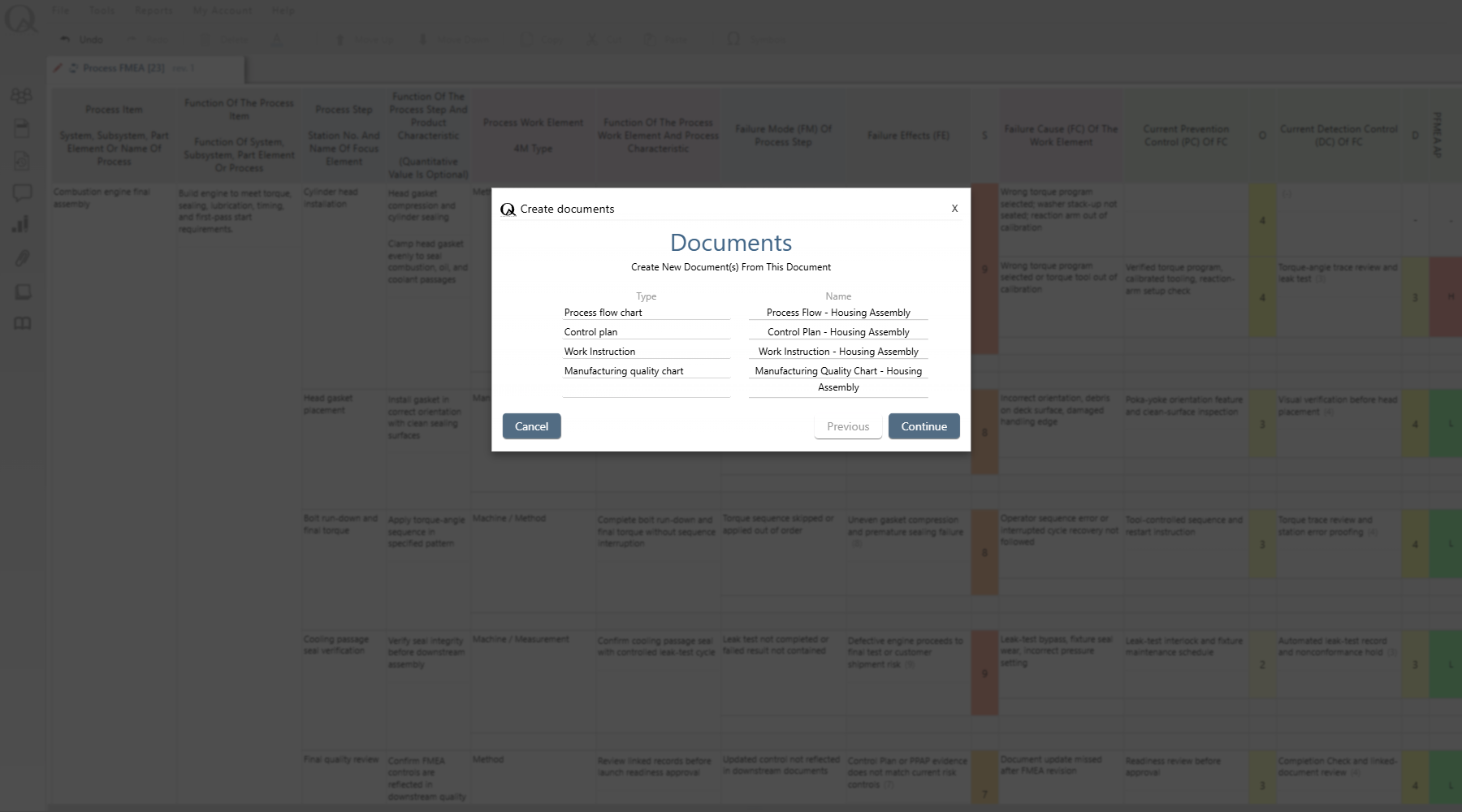
The workflow accelerates related-document creation without hiding the review step.
Start from structured work already in the system.
Create a supported downstream document with reusable source context.
Confirm the result, complete the target record, and move it through control.
Build Documents starts the related record; Link & Sync helps users review supported differences as work evolves.
Create the supported target from the source on screen.
Add target-specific information and review readiness.
Use controlled revisions and supported Link & Sync review as records change.
Use detailed filters, nested AND/OR criteria, reusable reports, templates, and graphical dashboards across documents, projects, actions, owners, evidence, PPAP, and readiness.
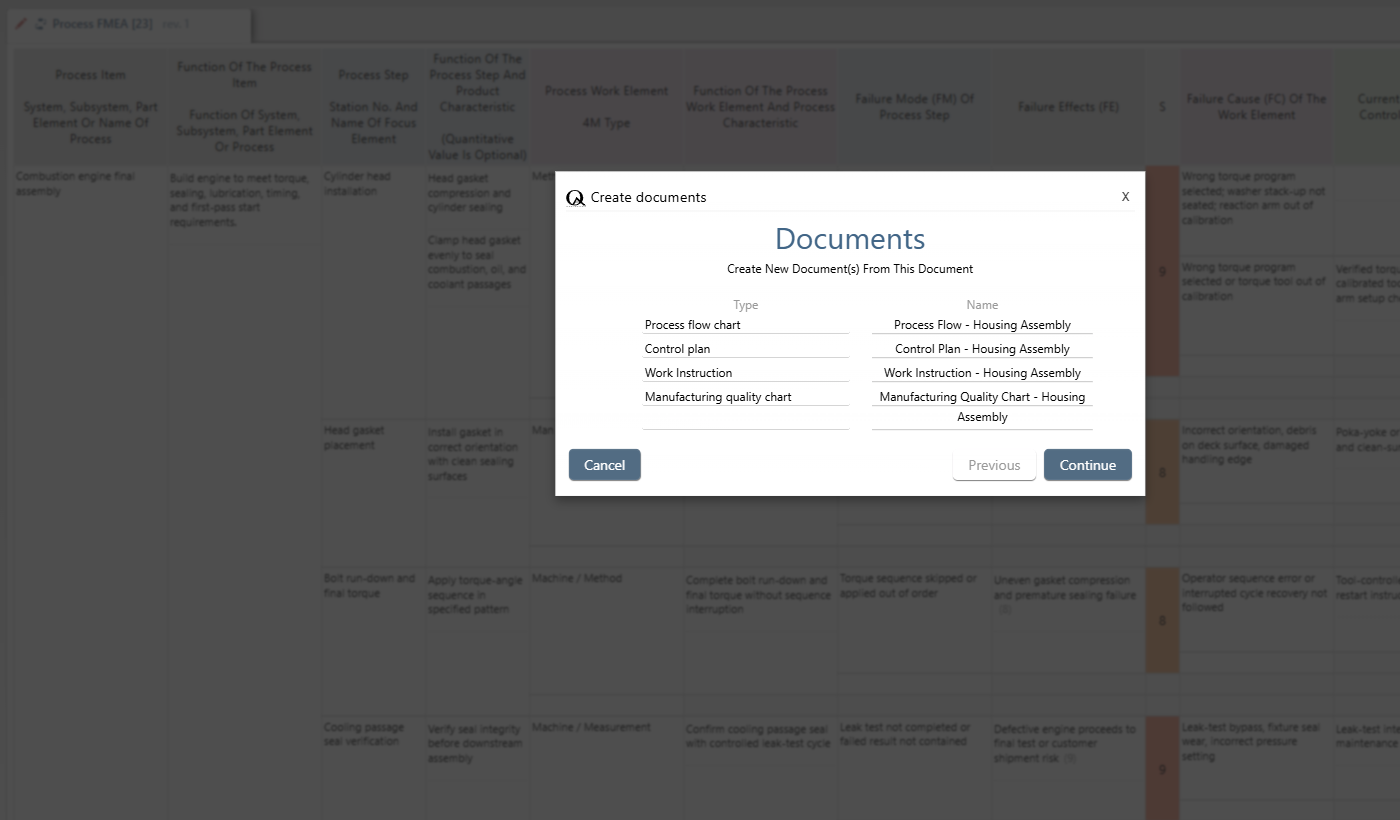
Create Documents starts a native record directly from the menu. Build Documents starts from the source document already open and creates related downstream records from that existing work.
The workflow prompts the user to create new documents from the current document, choose supported document types, and confirm document names before continuing.
No public claim here depends on blind automatic generation. The supported workflow creates related documents from structured source work and keeps the relationship available for later review and alignment.
Start with real source work and follow the supported record into review, control, and reporting.